Skip to Content

COCONUT & CRAFT · CUSTOMER CARE

Payment help

Everything you need to complete your order, with a little help from us.

Start with your order

Open your pending order to see the exact amount, currency and order number. Request a BML payment link there with your details already included.

Open pending orders →View confirmed orders

Odoo may label an unpaid order “Quotation”. Your order is saved and awaits payment verification. This help page does not create an order or confirm a payment.

Pay with a BML link

Open your pending order and choose Request a BML payment link. We will send the link through WhatsApp after checking your order total.

Choose your order →

Our team prepares each payment link. If you have already paid, send your receipt instead.

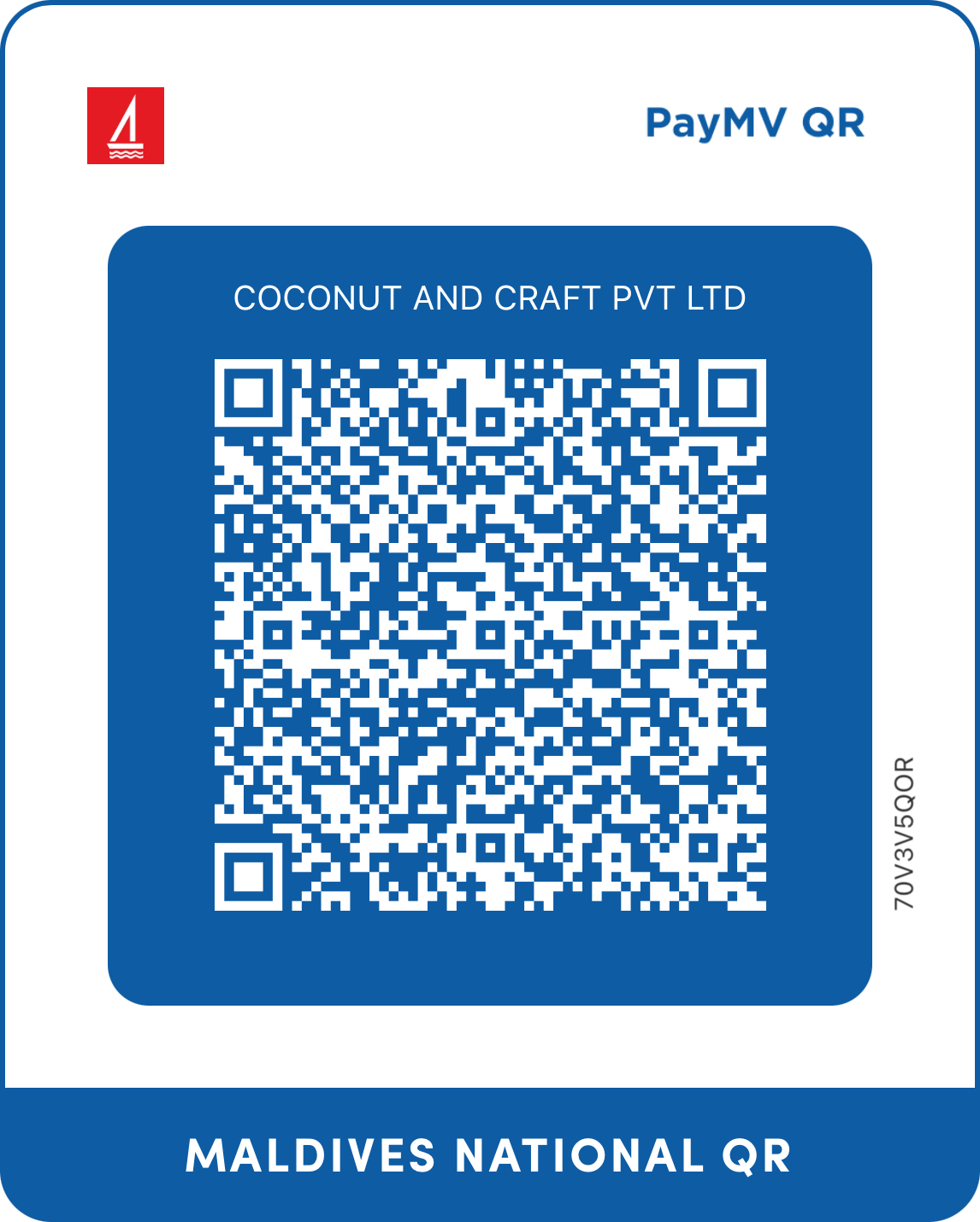
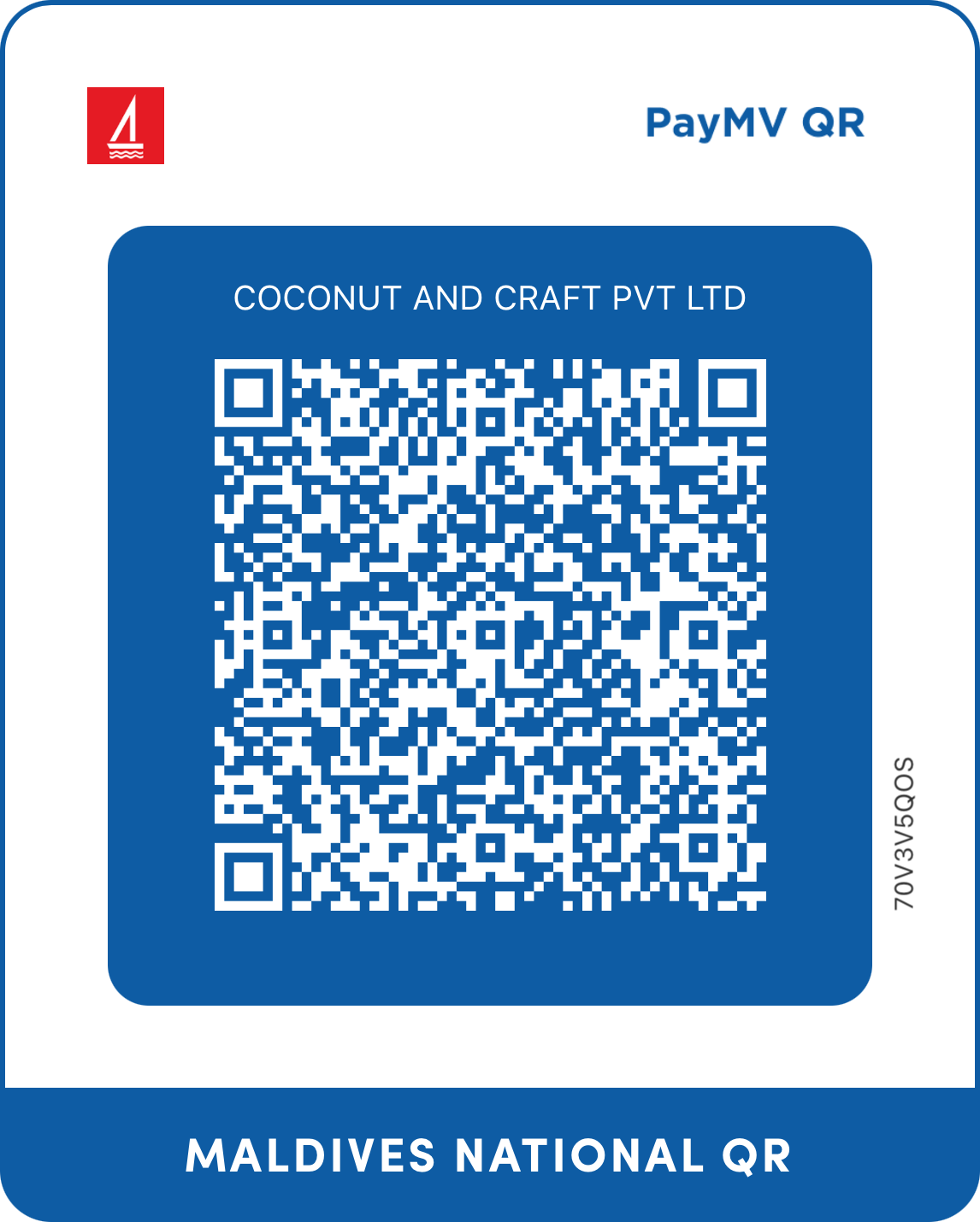
Bank transfer or QR

Use the account matching your order currency. Enter the order total and use the order number as your transfer reference.

Account name: COCONUT AND CRAFT PVT LTD

MVR account & QRCoconut and Craft MVR payment QRSave MVR QR
USD account & QRCoconut and Craft USD payment QRSave USD QR

Scan using the BML app. On one phone, copy the account number and transfer in the app. These QR codes do not include your order amount or reference.

Already paid?

Send your slip with your order number. We will check the payment in our BML account and update your order. Please do not pay again while we verify it.

Send receipt on WhatsApp →Email receipt

Attach your screenshot or PDF in WhatsApp or email. Sharing a receipt does not automatically mark the order paid.